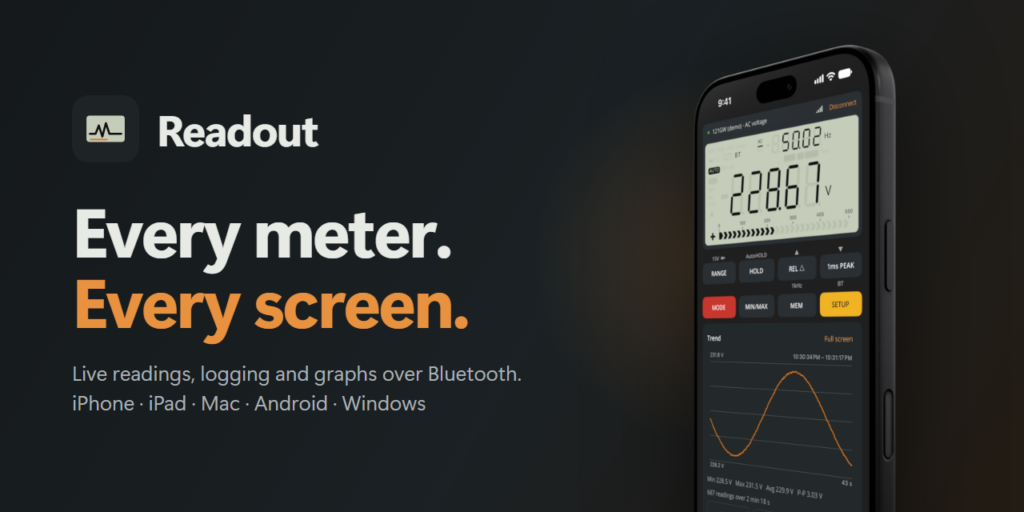
The EEVblog 121GW has a Bluetooth radio inside. A few times a second, it broadcasts everything on its LCD: the reading, the range, every little symbol. I looked at that stream and wanted one app that could use it on every device I own.
That became Readout; a companion app for the 121GW that runs on iPhone, iPad, Mac, Android, Linux and Windows from a single codebase. It shows the meter’s display live, presses its buttons, and logs and graphs the readings. On the desktop, it can also let an AI assistant hold the probes.
The Problem #
A multimeter’s screen works great when you’re standing in front of it. It works a lot less well when the meter is clipped inside an enclosure, when you want to watch a battery discharge for three hours, or when you need the numbers in a spreadsheet afterwards.
The 121GW covers the hardware side with Bluetooth LE. The rest is software that decodes the stream, logs it, graphs it and lets you press the meter’s buttons from across the bench. I wanted that on my phone, my iPad and my desktop, without maintaining five separate apps.
What Readout Does #
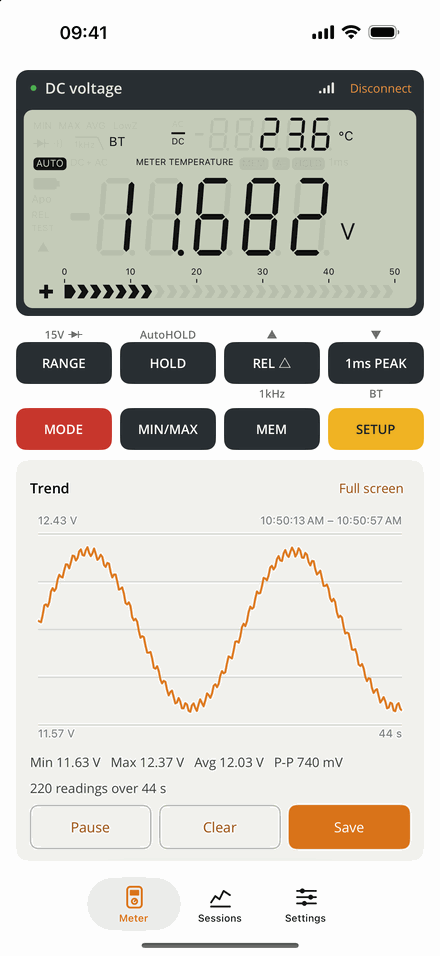
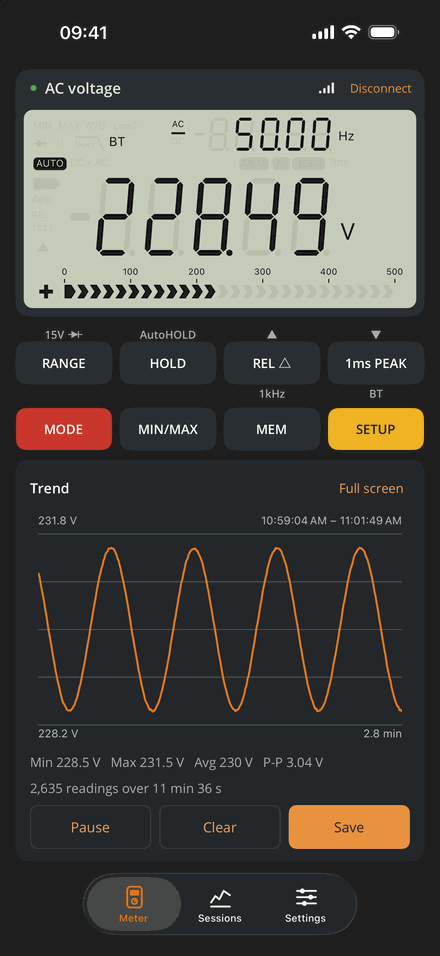
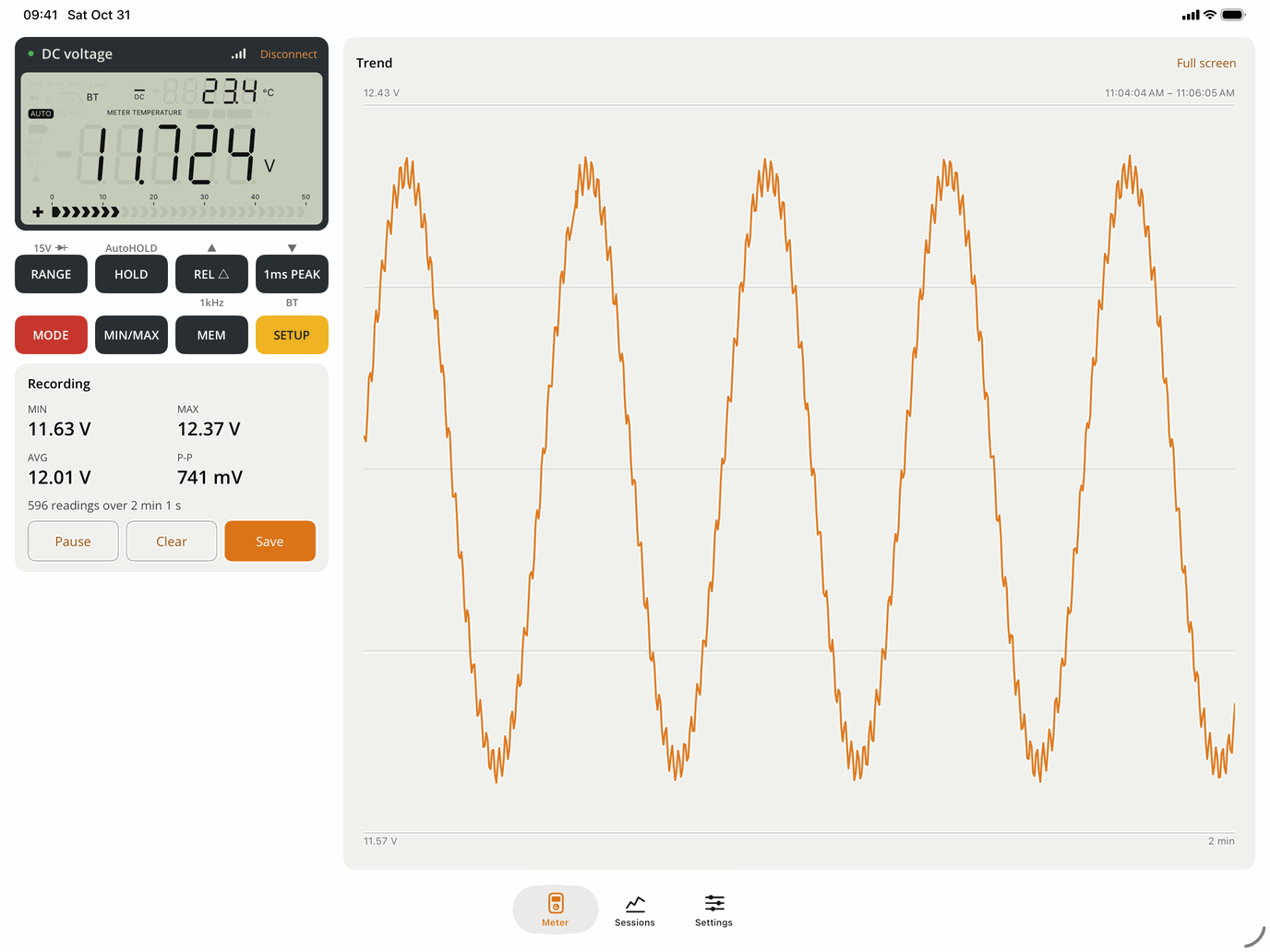
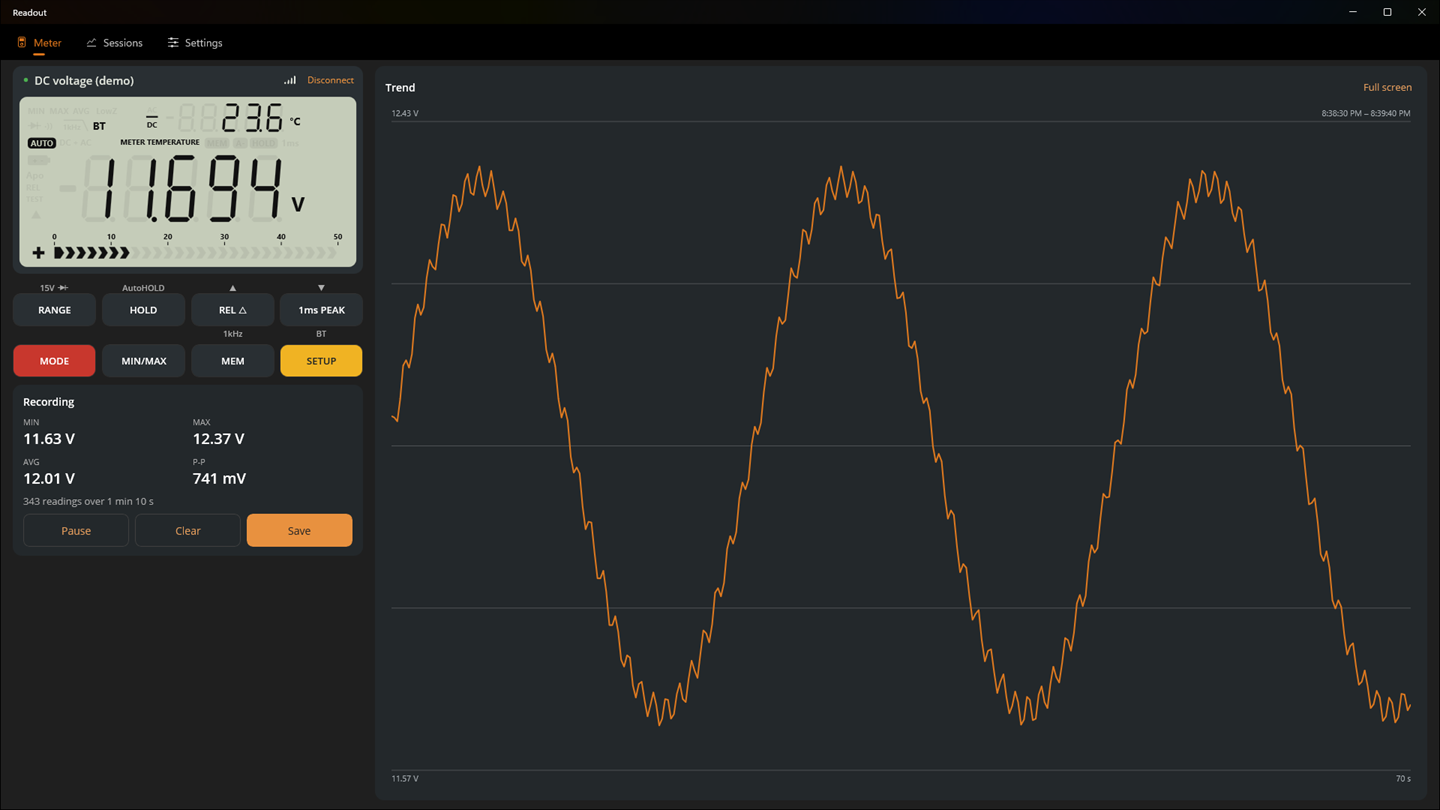
- Live LCD: A drawing of the meter’s display with the main and sub readings, units, the bar graph and every annunciator.
- Remote buttons: All eight of the meter’s buttons, short or long press, with haptics.
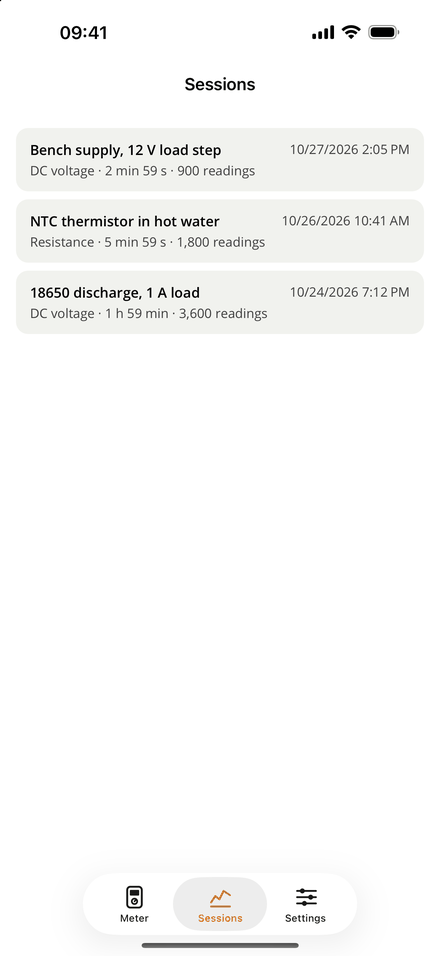
- Logging: Every reading is logged while connected, with min, max, average and peak to peak. It keeps going with the screen locked, and Readout saves the recording to disk every 10 seconds, so closing the app doesn’t lose it.
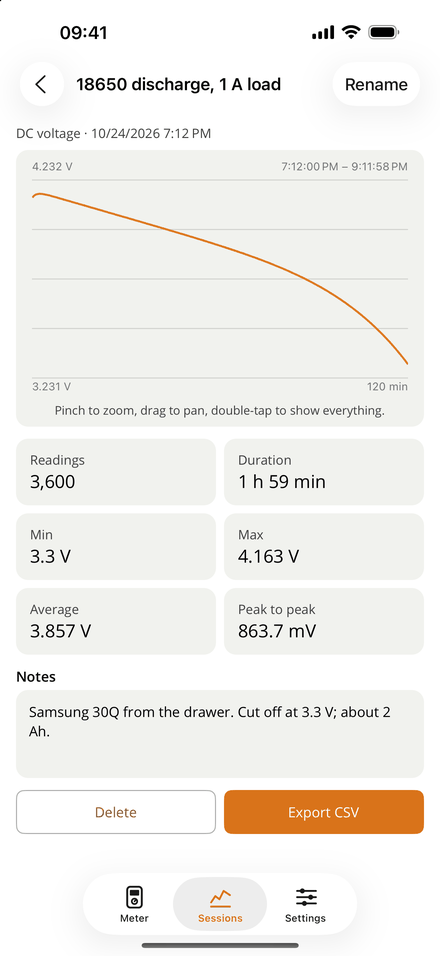
- Saved sessions and CSV export: Name a recording, add notes, and export timestamped readings in SI units.
- Continuity beep: In continuity and resistance modes the phone beeps and vibrates below a threshold you set, with hysteresis so it doesn’t chatter.
- Auto reconnect: It finds the last meter again when it comes back in range.
- Demo meter: Simulated readings, so you can try everything without a 121GW.
Decoding the 121GW Protocol #
The meter doesn’t send “5.02 V”. It sends binary packets that describe the LCD: the mode, the range, the digits and which symbols are lit. The app rebuilds the reading from those, using range tables to put the decimal point and the unit in the right place.
David Ledger wrote the official EEVblog app under the MIT license, and I used his code as the reference. One catch: the repository’s master branch still has an old parser for a 52 character text format the meter no longer uses. The current one lives on the PrivatePostRelease branch and matches EEVblog’s “Revised Packet Format Blob V2” document. I ported that, and wrote the format down in a protocol guide so the next person doesn’t have to dig through branches.
Then the meter on my bench had a few opinions. It sends the SETUP pages slightly differently than the document describes, so I fixed the decoder against packets from the meter itself. And for about two seconds after you turn the dial, the display is blank; Readout shows it blank too, and logs nothing until a reading comes back.
One Codebase, Five Platforms #
Readout is built with .NET 10 and .NET MAUI, split into two layers:
- Readout.Core: Everything about the meter that isn’t UI or a Bluetooth stack: packet framing, LCD decoding, logging, CSV and the simulated meter. It’s plain
net10.0, so a future Linux front end over BlueZ can reuse all of it. - Readout: The MAUI app. Bluetooth through Plugin.BLE, MVVM view models, and the LCD and graph drawn with MAUI Graphics.
The core has around 130 xUnit tests, so I could keep reworking the decoder while testing against the meter. Some platforms still needed their own tweaks. On iOS 26 the tab bar is left alone so the system draws its Liquid Glass bar, and on wide screens the meter moves into a side column to give the graph more room.
Letting an AI Hold the Probes #
On Mac, Linux and Windows, Readout can run a small Model Context Protocol server, so an assistant like Claude can read the display, pull recent readings, press buttons, sync the clock and save sessions. Turn it on in Settings, hit “Copy setup for…”, paste the snippet into Claude Code, Claude Desktop or VS Code, and ask something like:
“Log the supply voltage for a minute and tell me how much it ripples.”
The server is off by default, only listens on the loopback address, and needs a bearer token.
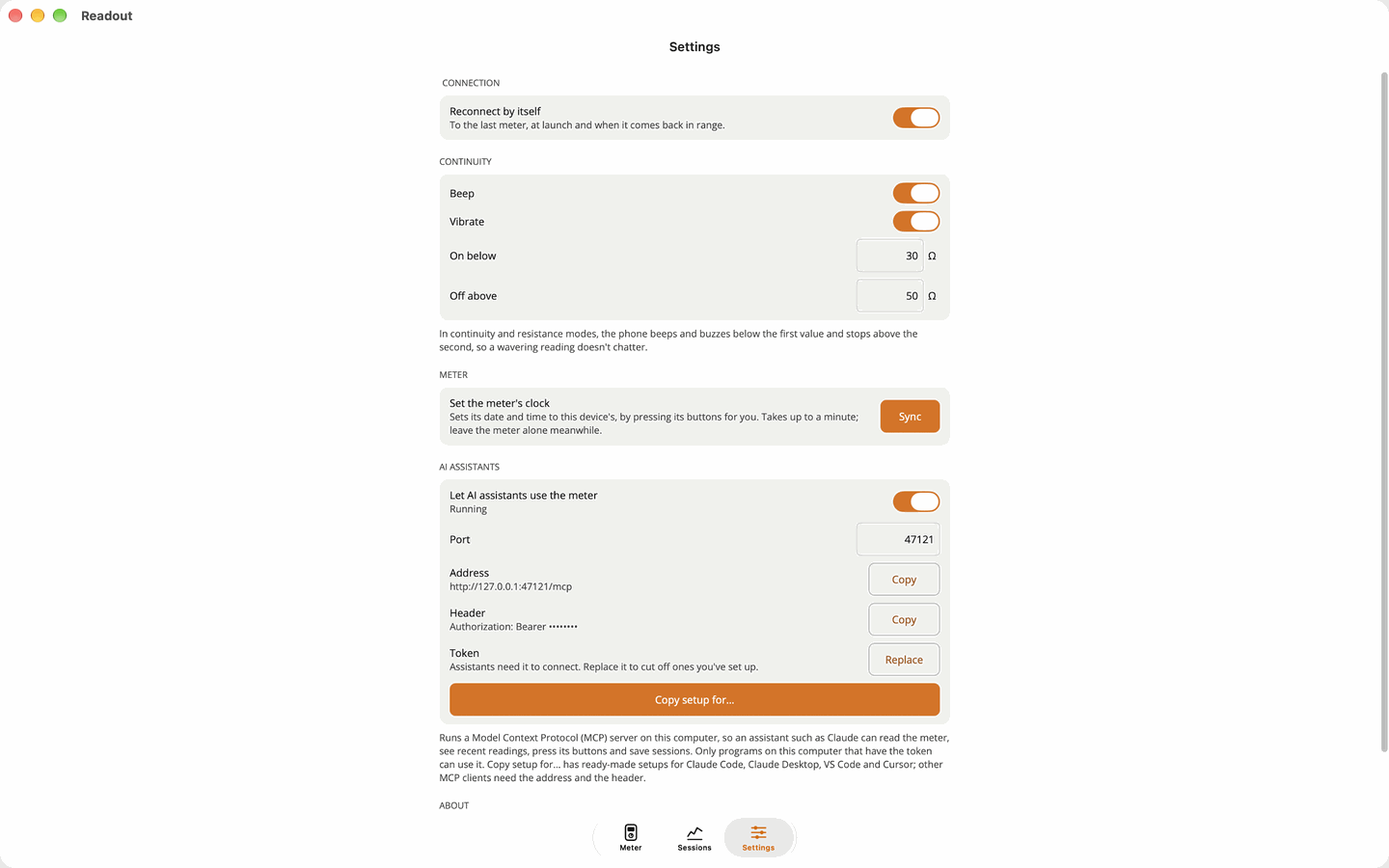
The first version used .NET’s HttpListener. It worked on Windows and hung forever on the Mac, because HttpListener does a DNS lookup when it starts and the Mac App Store sandbox blocks it. I replaced it with a minimal HTTP/1.1 server on a loopback TcpListener, with the MCP SDK’s stateless transport on top.
Setting the Clock Without a Clock Command #
This is where things got interesting. The 121GW has a real time clock, but its Bluetooth protocol has no command to set it, so the only way to change it is the front panel.
So Readout presses the buttons the way a person would. It holds SETUP to open the year, date and time pages, steps each value with the arrow keys, holds SETUP again to save, and reads the page back. Bluetooth presses sometimes get lost, so if the value doesn’t match, it goes again. It’s a silly way to set a clock, and the read back is what makes it dependable. The AI assistant can do it too, with sync_clock.
Lessons Learned #
Trust the packets: The document got me most of the way. The odd SETUP pages and the blank display after a dial turn only showed up once I was decoding a meter on the bench.
Keep the core boring: Everything meter related lives in plain .NET, so the tests run in seconds without a phone, a simulator or Bluetooth.
Ship a demo mode: It got the app through review, it drives the store screenshots, and I could keep working on the app with the meter switched off.
End Result #
From the first commit to the Microsoft Store took about a week and around 10,000 lines of C#, with Claude Code as my pair programmer the whole way. Readout is how I use the 121GW now; the meter stays on the bench and I read it from whatever screen I’m in front of.
Next on the list is Linux. Readout.Core is ready for it; I just need to convince BlueZ, which given my history with Bluetooth on Linux should be a short and painless experience.
Links #
Readout is open source under the MIT license and available on GitHub. If you have a 121GW and something doesn’t decode right, issues and PRs are open. Readout is an independent project, not made or endorsed by EEVblog; 121GW and EEVblog are trademarks of their owners.
Discover more from The Maker Shed
Subscribe to get the latest posts sent to your email.